islot99 App — Get the Full Casino in Your Pocket
Download the islot99 App directly onto your Android device. No app store needed — just download the APK, allow the install, and you're in. Version 3.5.20, free to download, works on Android 10 and above.
islot99.apk · 41 MB · Free · Android 10.0+
Is It Safe to Install an APK Outside the Play Store?
Yes — provided you download the file directly from islot99's official link below. Here is what happens when you install the app and why each permission is needed.
Encrypted Connection
All traffic between the islot99 App and our servers runs over TLS 1.3 encryption. Your login credentials, payment details and session tokens are never sent in plain text. The APK itself is signed — Android verifies the signature before install, so a tampered file will be rejected automatically.
Minimal Device Permissions
The app requests only what it needs: internet access (to load games), storage read/write (to cache game assets for faster load times), and camera (optional, only used if you scan a QR code during DuitNow deposit). It does not access your contacts, SMS, microphone or location.
Regular Security Updates
islot99 pushes APK updates when security patches are available. The current build (v3.5.20, released 11 Nov 2026) includes the latest provider SDK updates from Evolution and Red Tiger. You will see an in-app banner when a newer version is ready — just tap to download the new APK file directly.
Account Security on Mobile
The app supports the same two-factor options as the website. If you have set a PIN or biometric lock on your account, the app will prompt for that before loading your wallet. Never share your islot99 login credentials with anyone. If you suspect unauthorised access, change your password immediately via the login page.
System Requirements & Version Details
Check these specs before you download — particularly the Android version requirement. Devices on Android 9 or below will not run the app.
| Detail | Specification |
|---|---|
| App Name | islot99 |
| Current Version | 3.5.20 |
| File Name | islot99.apk |
| File Size | 41 MB |
| Minimum Android | Android 10.0 |
| Last Updated | 11 Nov 2026 |
| Price | Free |
| Language Support | English / Bahasa Melayu |
| Minimum RAM | 2 GB recommended |
| iOS Support | Web App (Add to Home Screen) |
Get the islot99 App Now
Direct APK download — no sign-up required to download. You only need an account once you open the app to play.
on your phone
What Changes Once the App Is Installed
It is the same islot99 account you already use in the browser. What you gain is speed and fewer taps, mainly when you play on mobile data.
- Lobby opens from cacheGame artwork and provider scripts are stored on your phone after the first visit, so the lobby loads faster on a weak 4G line.
- Deposit without switching appsTouch 'n Go eWallet, DuitNow and FPX Online Banking open straight from the cashier screen inside the app. Minimum deposit is RM 25.
- One prompt for updatesWhen a new build is ready the app shows a banner. Tap it, install over the old version, and your login and balance stay as they were.
- Same wallet everywhereStart a round on the app and finish it in the browser later. Balance, bonus progress and VIP tier sit on the server, not on the device.
How to Install the islot99 APK on Android
The whole process takes under three minutes. Follow each step in order — skipping the "unknown sources" setting is the most common reason installs fail.
-
1
Allow Installs from Unknown Sources
Go to Settings → Apps → Special App Access → Install Unknown Apps. Find your browser (Chrome, Samsung Internet, or whichever you use to download), then tap it and toggle Allow from this source to On. This tells Android it's safe to install APK files downloaded through that app. You only need to do this once — the setting stays until you change it again. On some Samsung devices the path is Settings → Biometrics and Security → Install Unknown Apps.
-
2
Download the APK File
Tap the Download islot99.apk button on this page. Your browser will start downloading the 41 MB file to your Downloads folder. Wait for the notification that says "Download complete" before proceeding. If your browser asks "This type of file can harm your device — keep it?" tap OK / Download anyway — this is a standard Android warning for all APK files, not specific to islot99.
-
3
Open the Downloaded File
Pull down the notification shade and tap islot99.apk, or open your Files app, go to Downloads, and tap the file there. Android will check the package and display a prompt showing the app name and the permissions it requires. Review the permissions list — you should see Internet access, Storage and optionally Camera listed. No other sensitive permissions should appear. Tap Install to continue.
-
4
Wait for Install to Complete
Installation usually takes 10–20 seconds on a mid-range Android device. The progress bar in Android's install screen will fill and then show "App Installed". If you see a "Parsing error" or "There was a problem parsing the package" message, it typically means the download was incomplete — delete the file and re-download from the button above. Do not tap the app icon until the success screen appears.
-
5
Log In or Register Your Account
Tap Open on the success screen (or find the islot99 icon on your home screen). The app opens to a login screen. If you already have an islot99 account, enter your credentials and tap Log In. New players should tap Register — the in-app registration form is identical to the web registration page. Once logged in, your balance, bonuses and game history sync automatically with the web version.
iPhone & iPad — Add to Home Screen
iOS does not support APK installs. Use Safari to access islot99 as a Progressive Web App — it looks and behaves like a native app once pinned.
- 1 Open Safari and go to islot99.ws. Other browsers on iOS (Chrome, Firefox) do not support Add to Home Screen for web apps.
- 2 Tap the Share button (the box with an upward arrow at the bottom of the screen).
- 3 Scroll down in the share sheet and tap "Add to Home Screen". Give it a name (islot99) and tap Add.
- 4 The islot99 icon now appears on your home screen. Tap it to open the site in a full-screen, app-like view without the Safari address bar.
- 5 Log in with your islot99 account credentials. All features — deposits, games, withdrawals — work exactly as on the full website.
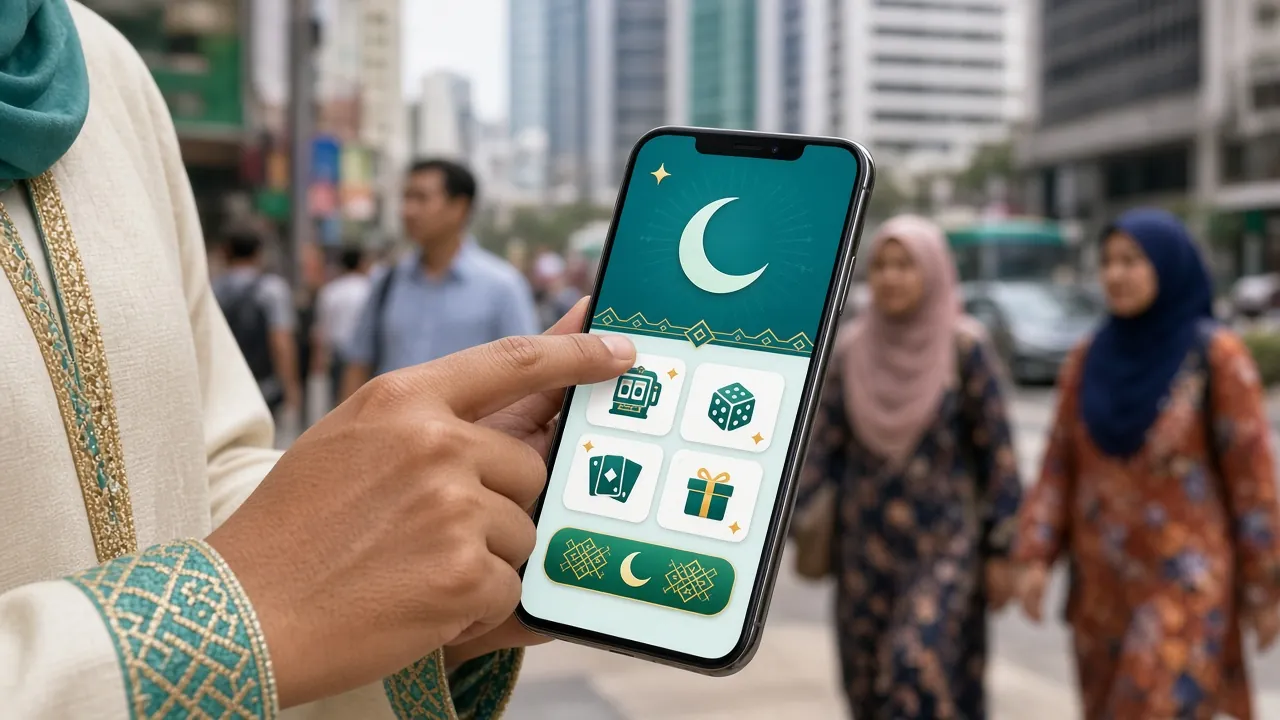
App vs Browser — Which One Should You Use?
Both give you full access to islot99. The app is better for regular play on a phone; the browser is fine for occasional desktop sessions or if you prefer not to install anything.
| Feature | islot99 App (Android APK) | Web Browser (Desktop/Mobile) |
|---|---|---|
| Full game library access | All 1,400+ games | All 1,400+ games |
| Push notifications for bonuses | Yes | Not available |
| Offline game asset caching | Faster load on repeat visits | Browser cache only |
| Touch 'n Go / DuitNow deposits | Yes, in-app | Yes, via browser |
| Live Casino (Evolution, Ezugi) | Full HD stream | Full HD stream |
| Automatic login / session keep | Stay logged in | Session expires on close |
| Works on iOS | Android only (APK) | Yes (Safari PWA) |
| Storage used on device | ~41 MB install + cache | Browser cache only |
| Updates required | Download new APK when prompted | Always latest (auto) |
Not yet registered? Create your islot99 account — it works across both the app and the browser with the same credentials.
What You Can Play Inside the islot99 App
Over 1,400 games load directly in the app — no switching to a browser, no extra plugins. Here are the main categories and what makes each one worth your time on mobile.
Slots (1,000+ Titles)
Slots are the backbone of the islot99 App. Providers like Red Tiger, JILI and KA Gaming have optimised their engines for mobile: smaller touch targets become bigger tap areas, and reel animations are GPU-accelerated. Games like Fortune Mouse (RTP 97.7%) and Jurassic Kingdom (RTP 97.8%) run as smoothly on a mid-range Redmi as on a desktop. Min bet from RM 0.10.
Live Casino Streaming
Evolution and Ezugi tables stream at up to 1080p inside the app. The interface scales elegantly to portrait or landscape — landscape is better for Baccarat side bets and Blackjack split decisions. Double Exposure Blackjack from Ezugi is a popular choice; min bet RM 2, max RM 500. A stable 4G or WiFi connection is recommended for uninterrupted streaming during live rounds.
Crash Games
Crash Bonus by Red Tiger (RTP 97.1%) is built for fast mobile sessions — a single round takes seconds. The in-app cash-out button is prominently placed so there is no lag between your decision and the action. Minimum bet is RM 1. Crash games also have a live multiplier chat that works inside the app, so you can see other players' cash-out points as they happen.
Sports Betting
Evolution's Golden Leopard sports feed covers football, basketball and more. In-app betting lets you place markets during half-time without switching tabs. Odds refresh in real time, and the app's layout keeps the bet slip visible while you browse markets — something the mobile browser version handles less cleanly. Min bet RM 2, max RM 1,000.
Lottery & Bingo
KA Gaming's Lucky Neko (RTP 96.6%) and Go Goal Bingo (RTP 96.8%) are the standout lottery titles. Go Goal Bingo is designed around football match outcomes, which makes it particularly popular during EPL weekends in Malaysia. Tickets start from RM 1. The app's notification feature will ping you when your bingo card is active, so you don't have to stare at the screen the whole time.
Deposits & Withdrawals
Touch 'n Go eWallet, DuitNow, FPX Online Banking and Bank Transfer are all available inside the app. Deposits as low as RM 25 clear in approximately 4 minutes. Withdrawal requests (minimum RM 30, maximum RM 22,500 per day) process in approximately 44 minutes. The full deposit guide has step-by-step screenshots for each payment method.


Common Install Problems & How to Fix Them
Most APK install errors come down to two things: an incomplete download or a missed settings step. The table below covers the five issues we see most often from Malaysian players.
| Error / Symptom | Most Likely Cause | Fix |
|---|---|---|
| "Install blocked" or no install prompt | Unknown sources not enabled for the browser you used to download. | Go to Settings → Apps → Special App Access → Install Unknown Apps, find your browser and toggle it on. Then re-tap the downloaded file. |
| "Parse error" or "Problem parsing package" | The APK file downloaded incompletely — this often happens when the connection dropped mid-download. | Delete the existing islot99.apk from your Downloads folder and re-download using a stable WiFi connection. Check the file size is 41 MB before opening. |
| App installs but won't open / crashes immediately | Android version below 10.0, or insufficient RAM (less than 2 GB free). | Check your Android version in Settings → About Phone. If it is 9 or below, the APK is not compatible — use the mobile browser version at islot99.ws instead. Free up RAM by closing background apps. |
| Games load slowly or freeze mid-spin | Weak mobile data signal or insufficient internal storage for game asset caching. | Switch to WiFi or move to an area with better 4G coverage. Free at least 200 MB of internal storage so the app can cache game assets. In-app settings → Cache → Clear and rebuild if problems persist. |
| Deposit via Touch 'n Go not completing | Touch 'n Go eWallet app not installed or insufficient TnG balance; also triggered by browser/app popup blocker. | Ensure the Touch 'n Go eWallet app is installed and updated. Check your eWallet balance. In islot99 App settings, make sure the in-app browser is allowed to open external apps. If still stuck, try DuitNow or FPX instead. |
Questions Players Ask Before Downloading
These are the most common questions from new islot99 players installing the app for the first time in Malaysia.
Is the islot99 APK file safe to download?
What Android version does the islot99 App need?
How do I update the islot99 App to the latest version?
Does the app work on rooted or custom ROM devices?
Can I use the same account on both the app and the web browser?
Does downloading the app cost anything or use a lot of mobile data?
What should I do if I forget my password after installing the app?
18+ · Play Responsibly · islot99 is for adult entertainment only